To enroll more than one explorer, click the item and adjust the quantity on the item page. Read through the item description and find the promo code that corresponds to the number of explorers being enrolled. Type that promo code on the check out page.
Younger siblings that are 4 years old by the start of classes may also enroll if they wish to participate.
STEAM Explorers
Filters



Supplies
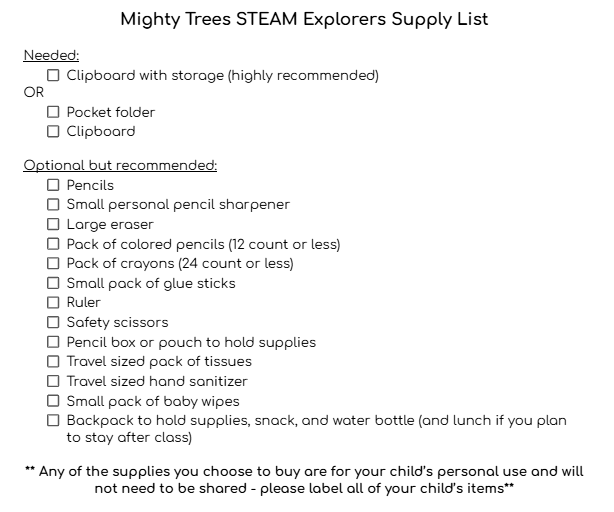
General, shared supplies will be available for use during classes (i.e. pencils, crayons, paper, etc.) and most craft and experiment supplies will be provided as well. Some lesson-specific materials may be required on occasion, but these will be low cost or items you would typically already have at home (i.e. an apple, a jar, a toilet paper roll, etc.). If possible, it is recommended and encouraged for each explorer to bring their own supplies to use during class. A recommended supply list can be found below; for a printable version, click here.